
Budgie Desktop: a panel, a side drawer, and a desktop that keeps quiet
Summary
An open source desktop environment kept by the Buddies of Budgie community, with a modern and uncluttered panel and a side drawer called Raven. The 10.9.3 release starts the move to Wayland and rewrites the Bluetooth piece, and several well known distributions can install it directly.
Recommend- Name
- Budgie Desktop
- Version
- 10.9.3
- Pricing
- Free
- Open source
- Open source
- Operating system
- Linux
- Website
- https://buddiesofbudgie.org
- Updated
- 2026-10-06 08:27
Changing the desktop is half the pleasure of the system
Swapping desktop environments is one of the classic amusements of the people who live on this system: the same foundation underneath, and a different desktop is like moving into a new flat. Budgie is an open source desktop built on the idea of being modern, uncluttered and unobtrusive. It began inside a distribution project and is now kept by an independent community organisation, published under the GPL and the LGPL. It is not tied to any one distribution: several well known ones offer it, and more than one major repository carries it. As of September 2026 the current release is 10.9.3, and the work of moving to the newer display protocol is under way.
A panel, a menu, and the drawer called Raven
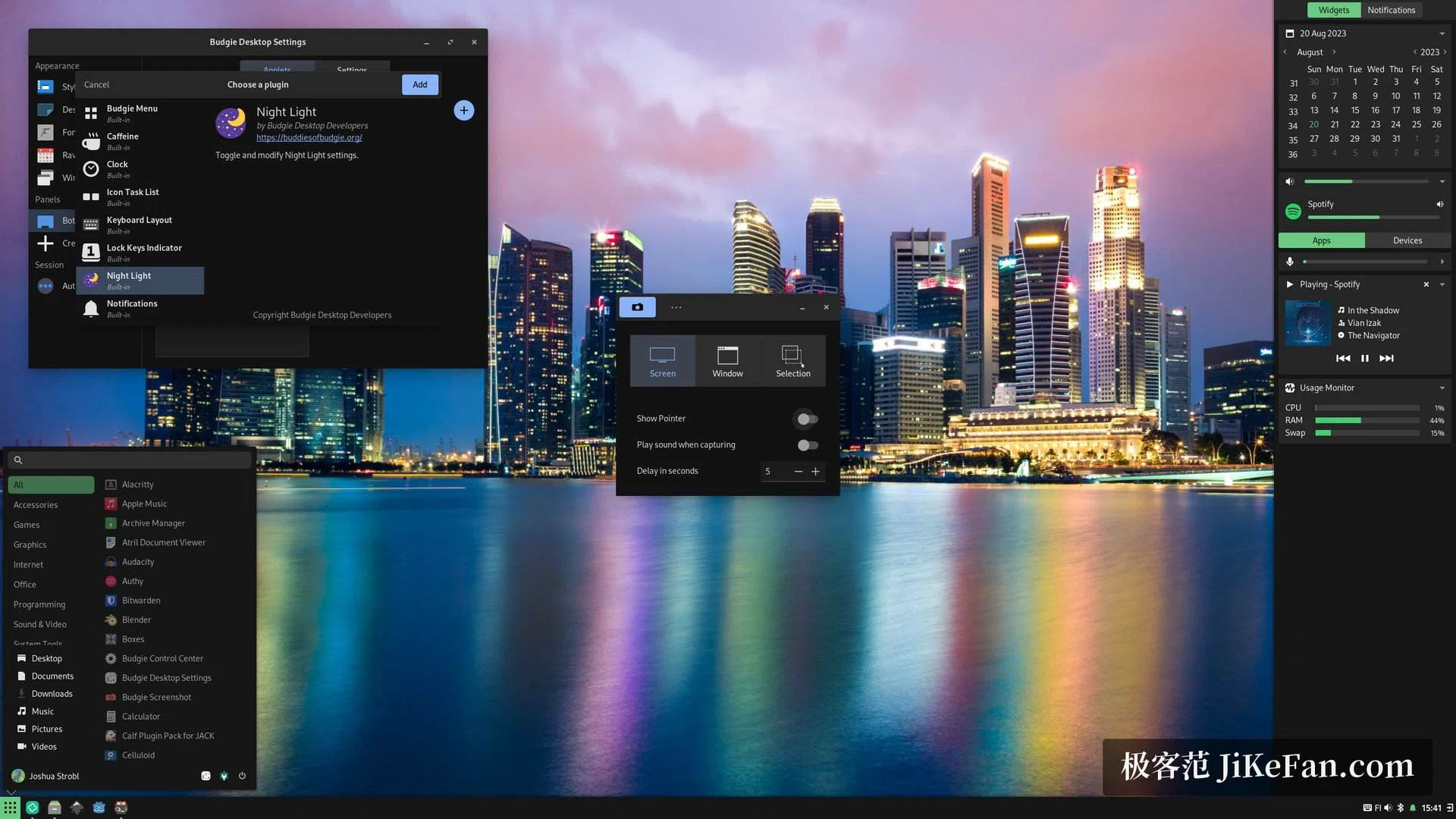
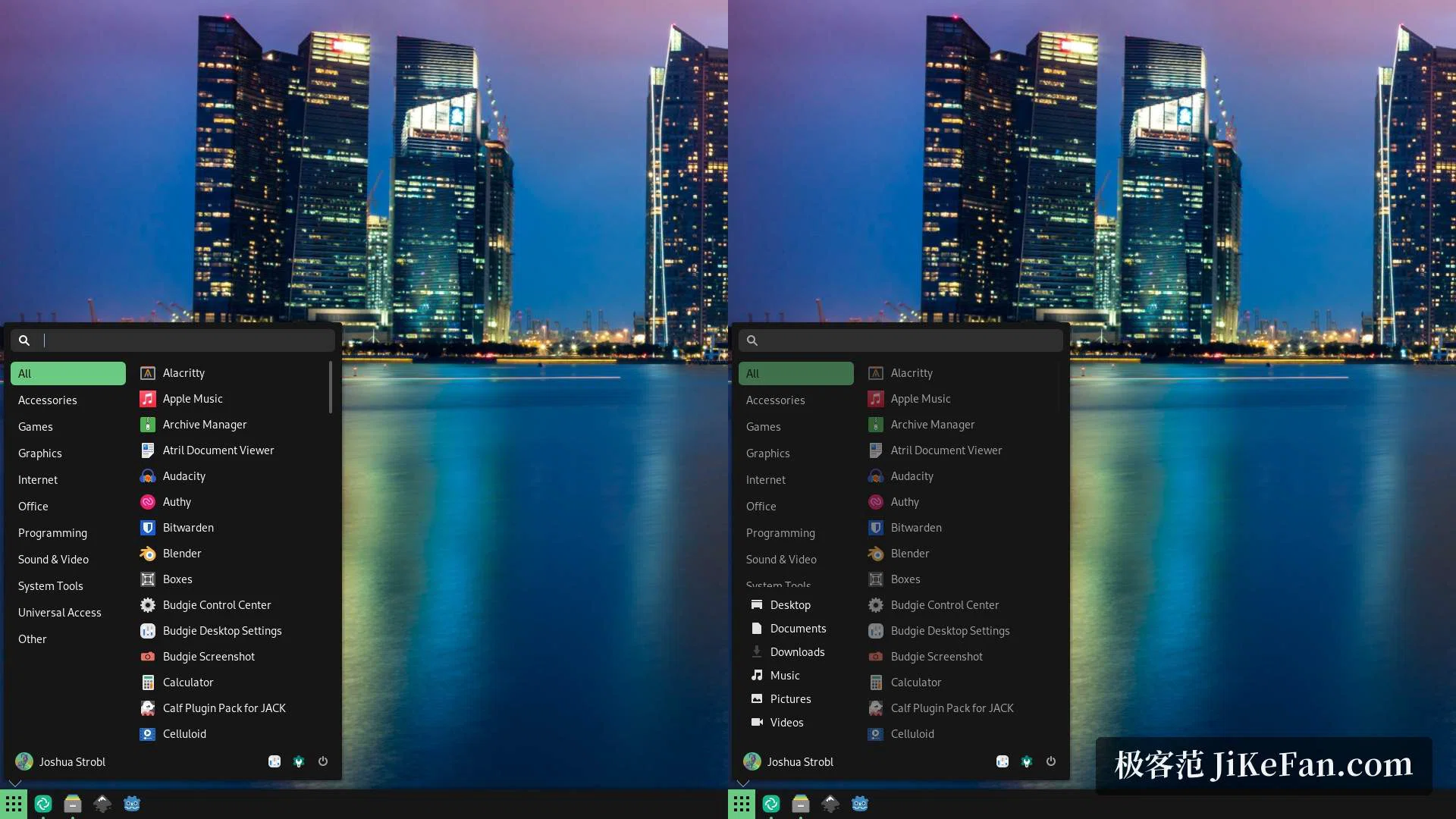
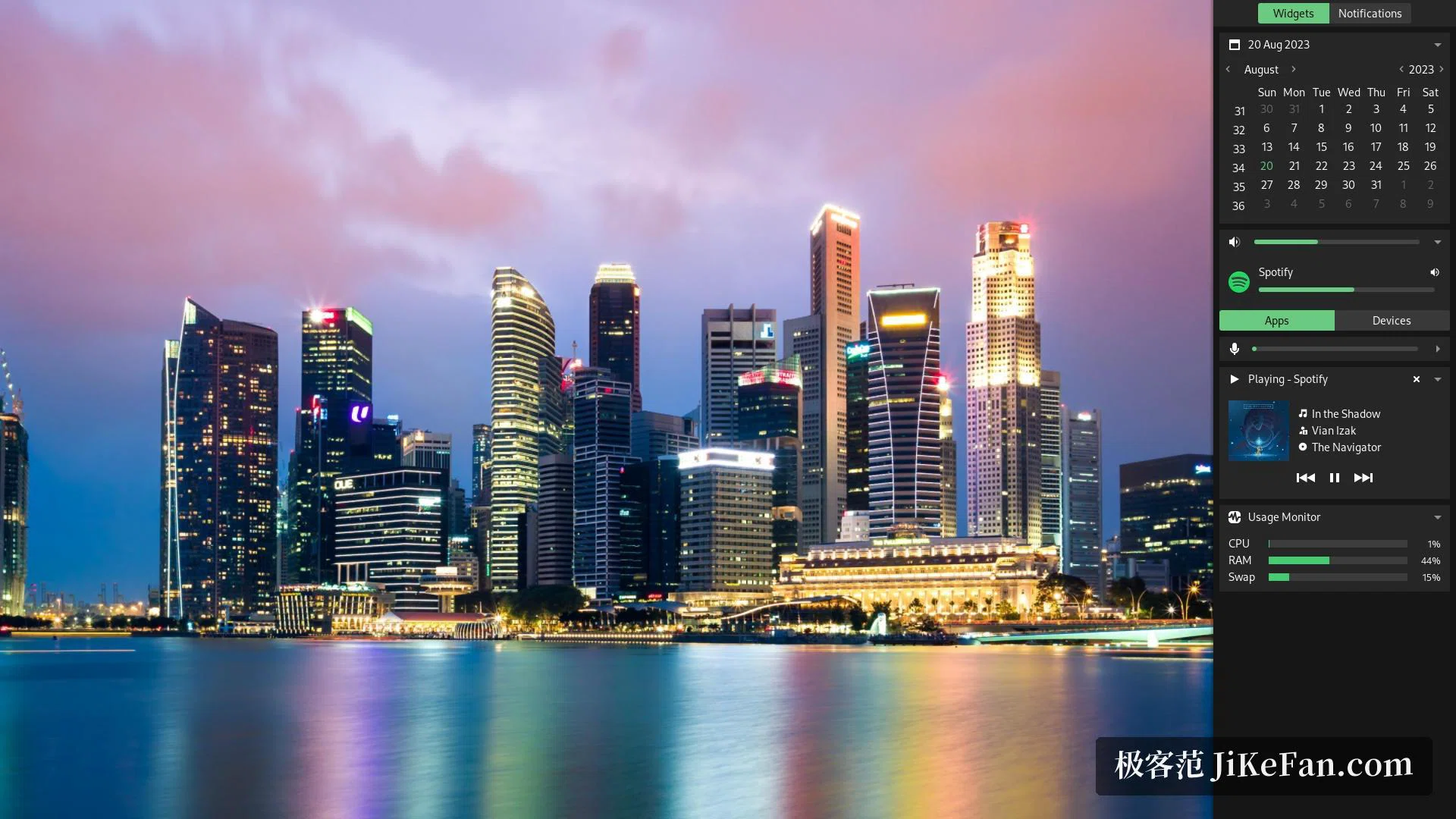
The default arrangement is a single panel across the screen: the application menu on the left, icons of the usual programs and the list of tasks in the middle, the tray on the right. The menu lists applications by category and the search box filters as it is typed into. The position, the size and the transparency of the panel can all be changed, and anyone who prefers a vertical arrangement can stand one up on either side of the screen. Raven is the drawer at the side, called out from the right edge, and it collects the volume, the brightness, control of media playback, a calendar, the centre for notifications and small monitors of the system, so ordinary status is handled from one place.
What the 10.9.3 release changed
The most important work in this generation is the move to the newer display protocol. With a window library borrowed from another desktop community, the small desktop applets, the switcher between windows and the components for workspaces have been adapted ahead of the rest, which lays the road for leaving the older protocol behind. The Bluetooth applet has been rewritten as well: instead of leaning on the old components of a larger desktop it speaks to the system service directly, so pairing a device, dropping a connection, showing the battery and sending a file all happen from the panel. At the level of the session, the project now runs a session manager of its own, cut loose from the life cycle of that larger desktop.
Light, restrained, and at home in a wider ecosystem
It is assembled from mature parts, and the ecosystem of applications is shared without a seam: themes and sets of icons are taken as they are, while the whole bundle of default settings that comes with a full desktop is not carried along. What it occupies sits between the very light desktops and the full ones; measured while idle, the memory it holds is a visible step below the heavier mainstream desktops, and a modest machine runs it smoothly. The window manager supports hot corners, workspaces and keyboard shortcuts, the visual animation can be switched off in the settings, and it behaves itself inside a virtual machine as well.
Installing it, and living with it
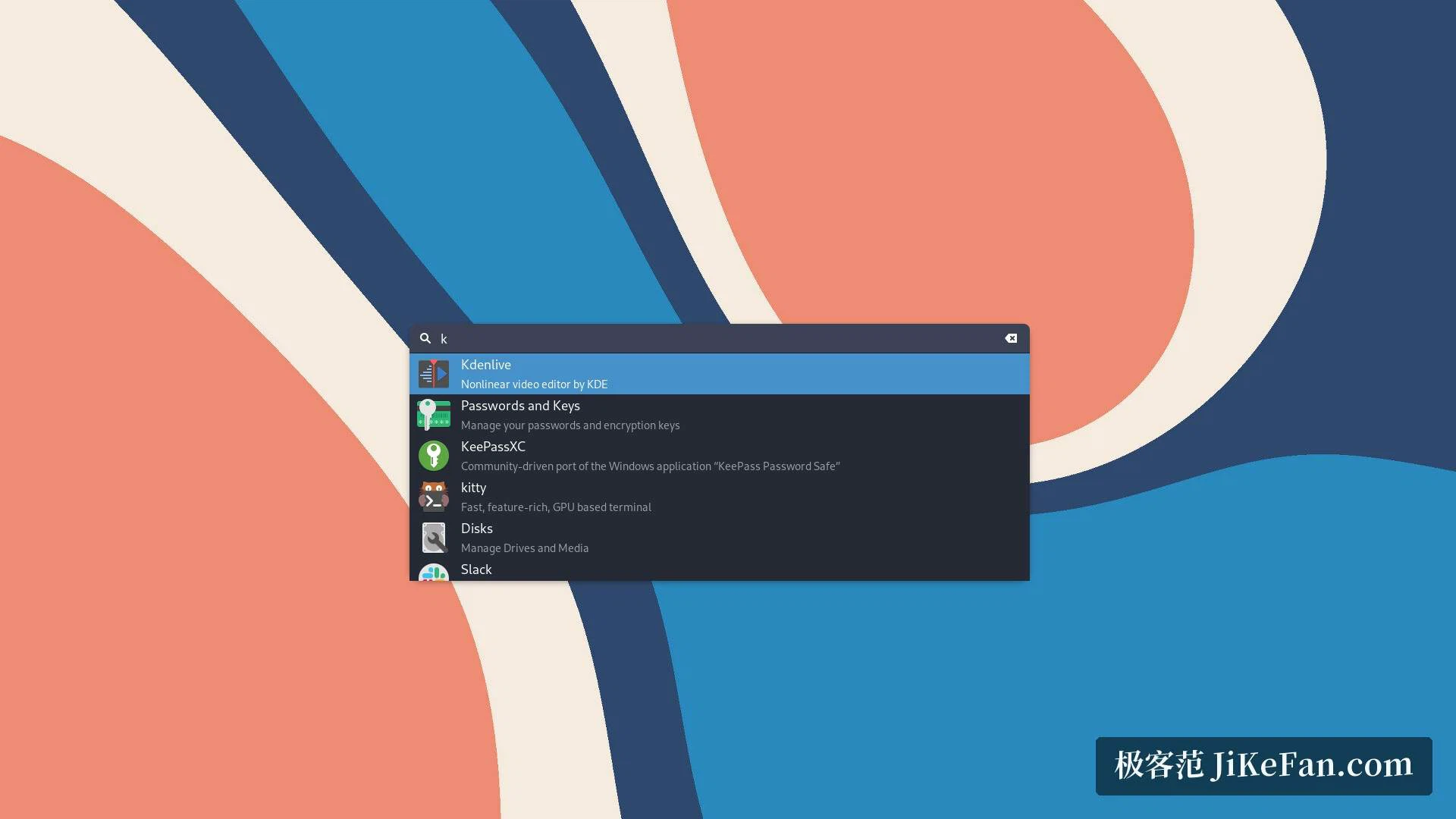
For somebody new, the least troublesome road is a derivative distribution that ships it already, where the desktop is there at the first boot. On an existing system the desktop package comes from the software sources, and the session is chosen on the login screen. In daily use the centre for notifications gathers them by application and offers a switch for silence; the file manager, the terminal and the screenshot tool are the ones the distribution already provides, because this project does not force its own suite on anyone. The dialog for launching something searches loosely, so a few letters are enough to raise an application or work out a sum, which keyboard people will like. The roadmap, the tracker of problems and the code are all public, so anyone who enjoys building a desktop in the open can find a way in.
Who it suits
It suits the person who wants a desktop that looks current, follows a simple logic and asks nothing of them, without being tied to a large default environment that decides everything in advance. Because the parts underneath are the shared ones, nothing is lost by leaving the bigger desktop behind: the applications still run, the themes still apply, and the machine gets a lighter thing to carry. That is the trade on offer, and for a great many people it is the right one.